
7 Tools Every Small Business Should Acquire For Success

Running a small business means your attention is always split. One minute, it’s emails. Then expenses. Then a lead you forgot to reply to yesterday. There’s rarely a full team behind you, and the budget doesn’t leave much room for mistakes. That moment is when tools stop being optional and start being necessary.
The right tools and online software do not make your business complicated. They do the opposite. They remove the busy work that steals your time and attention so you can focus on work that actually pays off. The seven tools below are practical, low-complexity tools that help you focus on streamlining operations and supporting scalable growth.
1. Envoice

Money is one of the first places small businesses lose clarity. Not because spending is out of control, but because tracking it is easy to postpone. Envoice steps in as a simple way to keep spending visible without turning finances into a full-time project.
This business expense software is made for day-to-day expense tracking. Receipts, invoices, recurring payments, all logged as they come in. That alone makes it easier to understand what the business is actually costing you.
When the numbers are in front of you, spending makes more sense. No more estimating what expenses or subscriptions are costing the business. You see it, then decide what stays, what goes, and what needs a closer look before it grows.
For lean operations, especially when one person is handling the numbers, Envoice stays manageable. It doesn’t force you to rebuild everything else around it. You can easily integrate it into your existing system.
2. InboxAlly
A lot of business communication still happens over email. That only matters if messages actually arrive in the inbox. InboxAlly works on improving deliverability so emails don’t get filtered out.
The tool helps you understand how email providers view your sending behavior and content. It guides you on how to warm up email accounts, balance sending patterns, and avoid language that triggers spam filters, with features such as a spam word checker.
So, instead of guessing why open rates dropped or why replies slowed down, you get insight into the technical side of email reputation in plain terms. That saves time and protects engagement with leads and customers who might otherwise never see your messages.
InboxAlly is a strong fit if email plays a big role in your sales, outreach, or customer communication. Solo founders, agencies, and service businesses benefit the most since email is often their primary growth channel.
3. Google Workspace
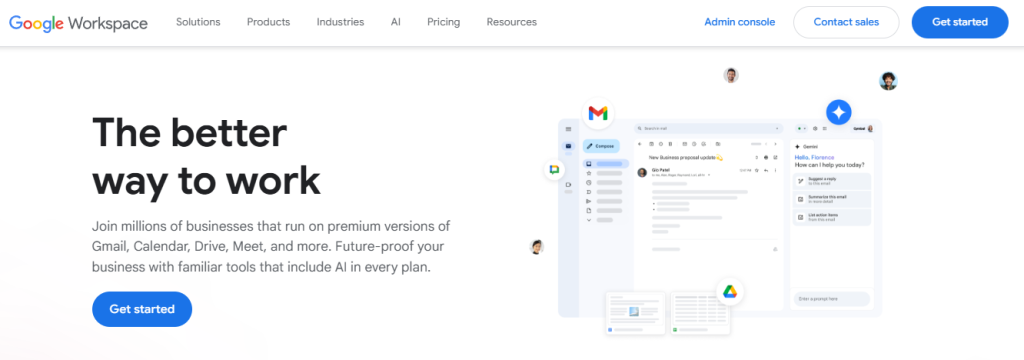
Every business needs a solid foundation for communication and files. Google Workspace covers that base without a steep learning curve.
The setup covers the basics most teams rely on. Email tied to your domain, shared calendars, and files that stay up to date. Proposals and contracts are easy to track. Meetings get scheduled and done without paying for different tools. Everything connects, which means less confusion.
The real value shows up in daily routines. A shared calendar prevents missed calls. Cloud documents mean you are always working on the latest version. Files are searchable, so you are not hunting through old attachments.
Google Workspace works for almost any small business. It is especially useful if you work with remote collaborators or freelancers and need everyone aligned without a complicated setup.
4. Trello
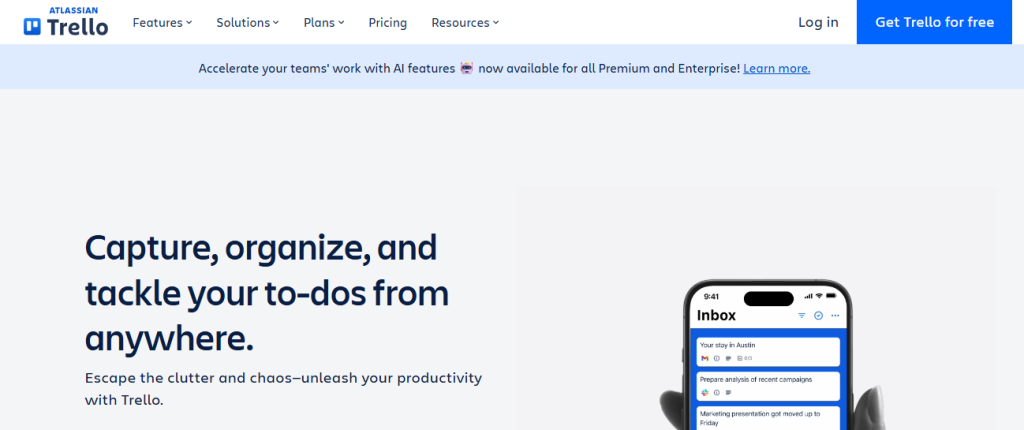
As tasks stack up, priorities get blurry. Trello keeps pending work visible through simple boards that shift as work progresses. As tasks move along, it’s easier to spot what needs attention without searching everywhere else.
Trello keeps task management straightforward. Cards move as work moves. Notes and deadlines stay attached to the relevant tasks. That makes it easier to manage projects without dealing with complex systems. When launching a new service or product, each step stays visible from start to finish. You can track progress without juggling everything in your head.
Trello suits teams and solo operators handling multiple projects at once. The visual layout makes it easier to focus on execution without getting stuck reorganizing tasks.
5. Notion
As your business grows, you can only use so many spreadsheets and note apps for so long to store your ideas, to plan, and track progress. Notion gives you one space to pull it all back together.
You can handle projects, ideas, and internal documentation in one place. One page might track weekly priorities. Another outlines how new clients are brought on. Everything stays connected without needing separate tools. How you use it is up to you. Some people keep it simple. Others build detailed systems over time.
That is Notion’s biggest advantage. Flexibility. You are not locked into rigid templates. Pages and layouts change as your needs do. It ends up reflecting your workflow instead of forcing you into a fixed structure.
For someone handling multiple projects solo, it makes staying on top of work a lot easier. You stay organized, without being pushed into templates that do not fit your process.
6. Hubspot CRM
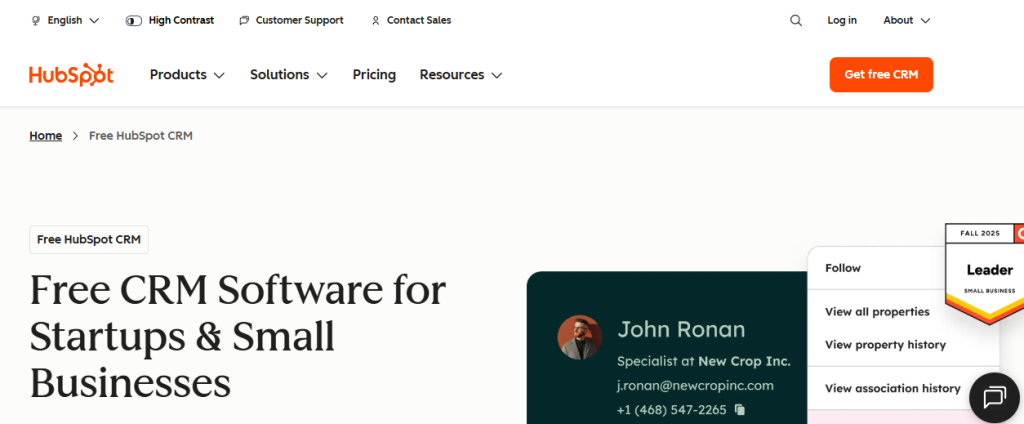
As the lead list grows, keeping up with follow-ups can get tricky. It’s easy to forget who you were supposed to call or email next. That’s how some prospects go quiet. With HubSpot CRM, contacts and conversations are all in one spot, which makes following up simpler.
The tool lets you store updated client contacts and track interactions. You’ll know who you spoke with and what came up in the conversation. The AI features also help spot patterns in sales, marketing, and customer service, and everyone on the team can see it from the same dashboard.
The best part is that you do not need sales training to use it effectively. It is easy to move around the interface, and the main features work the way you expect them to.
This fits businesses where calls, emails, and follow-ups drive operations. When you manage sales conversations on your own, it helps keep things moving without constant friction.
7. Zapier

Instead of moving data between tools by hand, Zapier handles it for you. It connects different tools and handles routine tasks between them.
Imagine a new contact fills out your form, Zapier steps in, and handles the rest. The lead goes into your CRM, a welcome email is sent, and a follow-up task is created. That saves you from moving data around or forgetting routine steps.
It’s a great tool for you when you already use several tools; this helps them work together instead of feeling scattered. You get value by mapping out your workflow first and then setting up the connections based on how you actually work.
Conclusion
Success in a small business rarely comes from working longer hours. It comes from working with less friction. The right tools remove that friction that slows you down every day. They help you see clearly, stay organized, and protect your time.
You do not need all seven at once. Start where you struggle most. If expenses feel unclear, focus there. If tasks slip through cracks, address organization. If email drives growth, protect deliverability.
Over time, work feels calmer. Decisions get easier. Growth no longer feels like everything piling up at once. It becomes something you can actually keep up with and celebrate. That is what good tools are supposed to do.