
9 Best Project Management Software for Small Teams with Agile Project Management
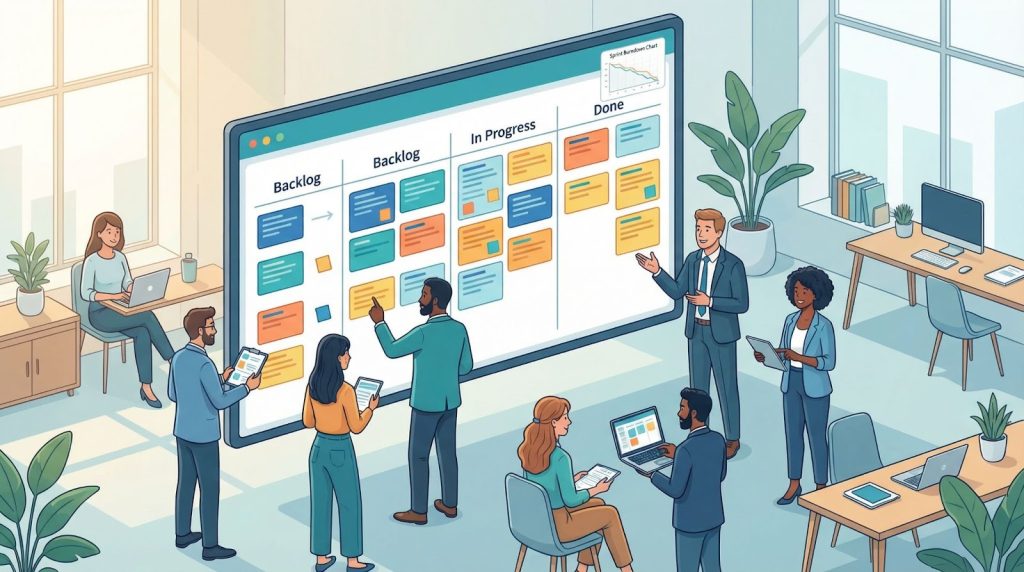
Small teams feel chaos fast. When fifteen people juggle sprint tickets, the roadmap can morph by Friday. The numbers back that gut feeling: only 34 percent of managers accurately understand how their teams communicate, decide, and execute, according to the 2025 State of the Team report from TeamDynamics. Agile project-management tools are the safety net. A BCG study found that companies adopting agile practices are five times more likely to reach the top performance quartile than those that don’t. Below, we unpack nine budget-friendly options—each offers Kanban boards, costs under $12 per seat (often free), and can be learned before your next stand-up. Follow our decision path, skim the comparison table, and run a seven-day pilot to choose your best fit—without derailing the sprint.
How we picked the right fits
Too many round-ups hand out star ratings without explaining the yardstick. Here’s ours, built for teams under twenty people:
- Budget respect. Any tool whose free tier felt like a bait and switch, or whose first paid plan exceeded $12 per seat, landed in the “nice, but not today” pile.
- Built-in agility. Native Kanban was non-negotiable. We gave extra weight to sprint boards or story-point fields you can enable in minutes, not after hiring a consultant.
- Click-easy usability. A new hire should master the basics between morning coffee and the first stand-up. Quick how-to videos are fine; certification courses are not.
- Collaboration in one window. Tasks, comments, @mentions, and file sharing had to live together. The aim is fewer tabs, not more.
- Room to grow. Missing features derail adoption for 39 percent of users who ditch their current PM software, according to the B2B Reviews project-management statistics report.
Any product that stumbled on a single checkpoint—enterprise giants, single-purpose issue trackers, or boards without Kanban—never reached sprint two. What’s left is the lean shortlist you’re about to explore.
Start here: your agile-tool decision path
Picking software is simpler when someone hands you a top-ten list, but “best” still depends on your backlog, who approves spend, and how fast the team iterates. A single ranking could steer you off course.
Think of the next sections as a guided walk-through. We pose one question at a time; your answer narrows the field to a handful of tools suited to that situation. No 30-day trials that fizzle out.
We begin with the big fork: Is shipping code your team’s main mission?
- If yes, jump to the Jira profile; it dominates that space.
- If not, keep reading for the next checkpoint.
TeamDynamics: best for fixing the people side of agile
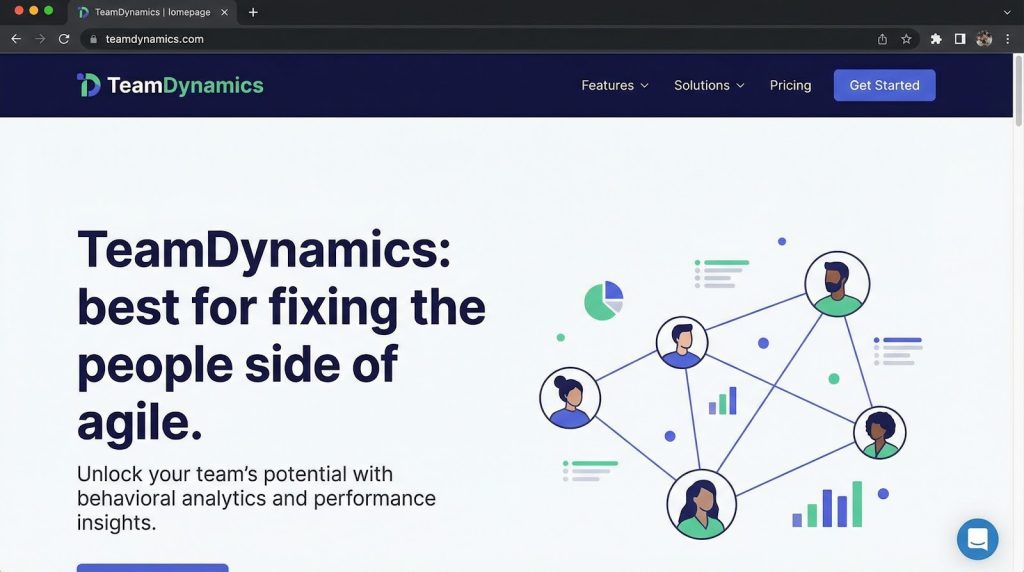
Great tools can’t rescue a team that talks past one another during every retro. TeamDynamics measures how your group communicates, decides, and works, then sends bite-size tips to smooth friction before it stalls a sprint.
- Start with a five-minute survey; the resulting radar chart often sparks an “aha” moment.
- Ongoing nudges, such as adding a quiet-time buffer to stand-ups, build trust over time.
Pricing: free trial for one project, then team- or org-level plans. Because it runs alongside ClickUp or Trello, you can test without moving any data.
Pro tip: Rerun the survey each quarter; the before-and-after chart turns soft skills into a visible metric.
Jira Software: best for code-first teams who live and breathe sprints
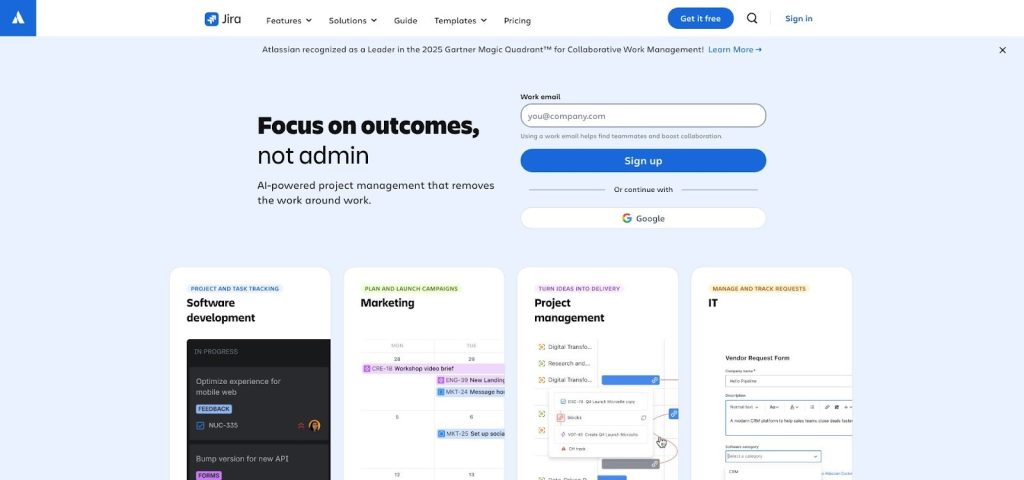
If your backlog is a constellation of user stories and bugs, Jira feels like home. Scrum and Kanban boards, story-point fields, and velocity charts appear on first login. The free cloud plan supports up to 10 users, includes burndown reports, and offers 2 GB of storage, according to Atlassian’s support site.
Jira’s real strength is workflow depth. Add “Code review” or “QA” columns, auto-move issues when a pull request merges, and link work to GitHub or Bitbucket. Non-devs may need a 15-minute glossary walk-through, but the power outweighs the learning curve.
Pro tip: Add Quick Filters so designers can hide engineering-only tickets and keep stand-ups snappy.
Teamwork: best for agencies that bill by the hour
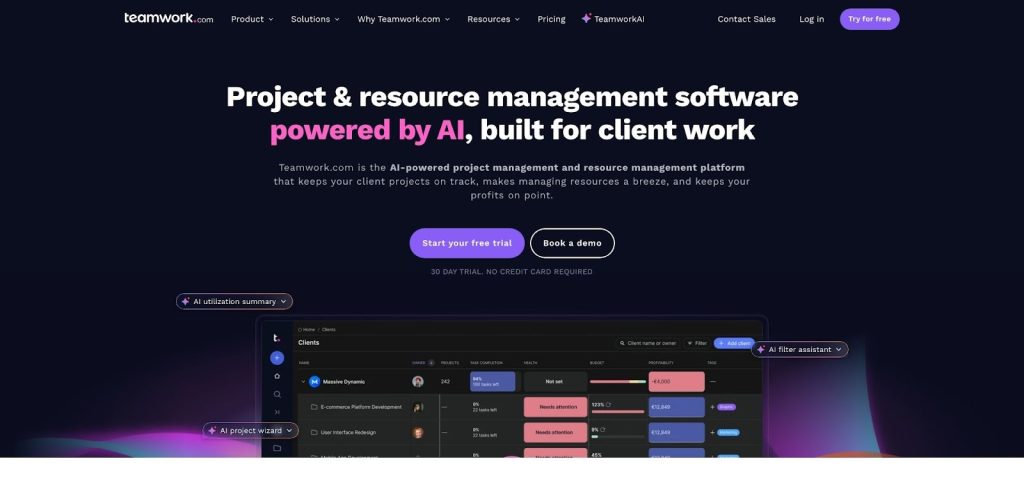
When every project ends with an invoice, Teamwork keeps delivery and billing in one dashboard.
- Each card includes a timer that feeds straight into a timesheet.
- Invite clients as free “Observers” for clear, quick approvals.
The free plan covers five users and two projects. The Deliver tier costs about $10.99 per user and unlocks unlimited projects and workload charts.
Pro tip: Link timers to task status so the clock starts as soon as a card moves to Doing.
Trello: best for teams that want zero-learning-curve Kanban
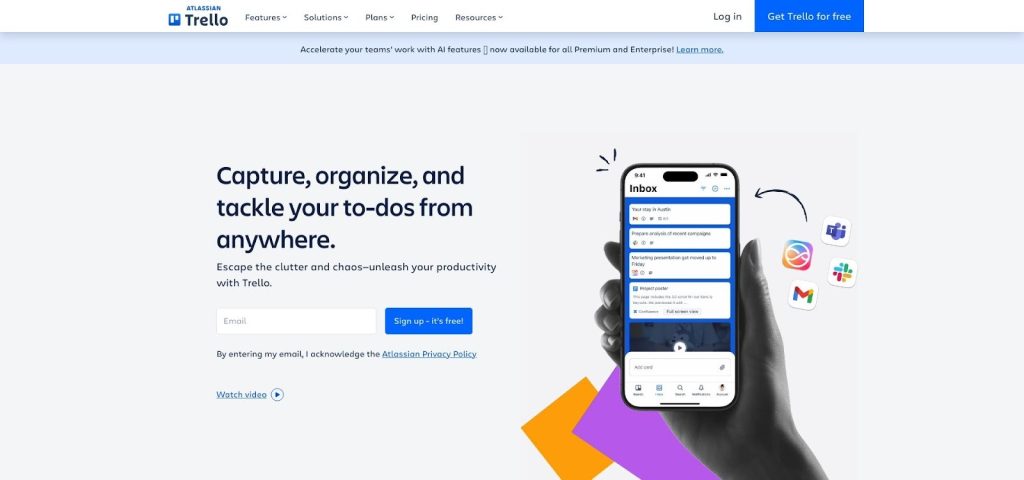
Trello works like a digital sticky-note wall. Drag a card from Backlog → Doing → Done and everyone stays current. The free tier offers unlimited members and cards plus 10 active boards.
Need more? Power-Ups add a calendar, custom fields, or GitHub integration at no extra cost.
Trade-off
Minimal native reporting. Many teams pair Trello with Corrello or later switch to Jira when they need deeper metrics.
Monday.com: best for custom boards and click-easy automation
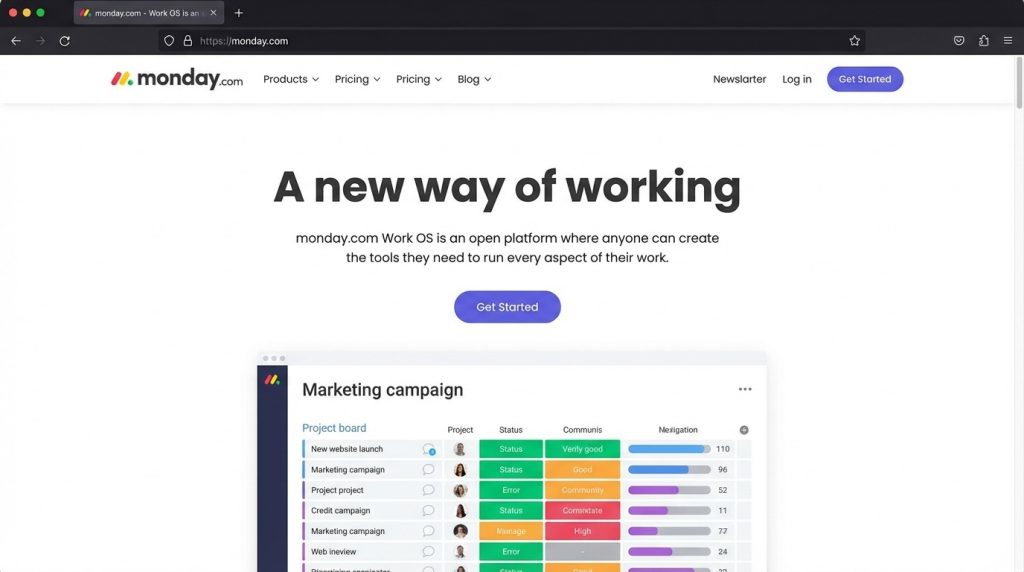
Imagine a spreadsheet with colour, drag-and-drop, and an “if this, then that” brain. Every project lives in a table you design: status, owner, story points, even emoji mood. Flip to Kanban, timeline, or calendar view and the same data reshapes itself instantly.
Automation is Monday’s standout feature. A few clicks create rules such as “When status flips to Done, archive the item and ping Slack.”
If you’d also like to sanity-check how different work styles mesh before you automate them, this roundup of team-personality assessment tools for project teams lays out the strongest options you can pilot alongside Monday’s boards.
The Standard plan includes 250 automation and 250 integration actions each month.
Pricing
- Free forever for 2 users (great for co-founders testing a workflow)
- Basic: $9 per seat billed annually
- Standard: $12 per seat, three-seat minimum, adds timeline view, guest access, and those automation quotas
Budget about $36 per month for a three-seat Standard plan if you choose annual billing.
Expect an afternoon of setup; selecting column types and refining rules takes time, but the payoff is a board that mirrors your exact process instead of locking you into someone else’s.
Pro tip: Add a formula column that converts story points to ideal-hour estimates, then pair it with the workload widget to spot resource clashes long before sprint planning starts.
ClickUp: best for teams seeking one workspace for everything
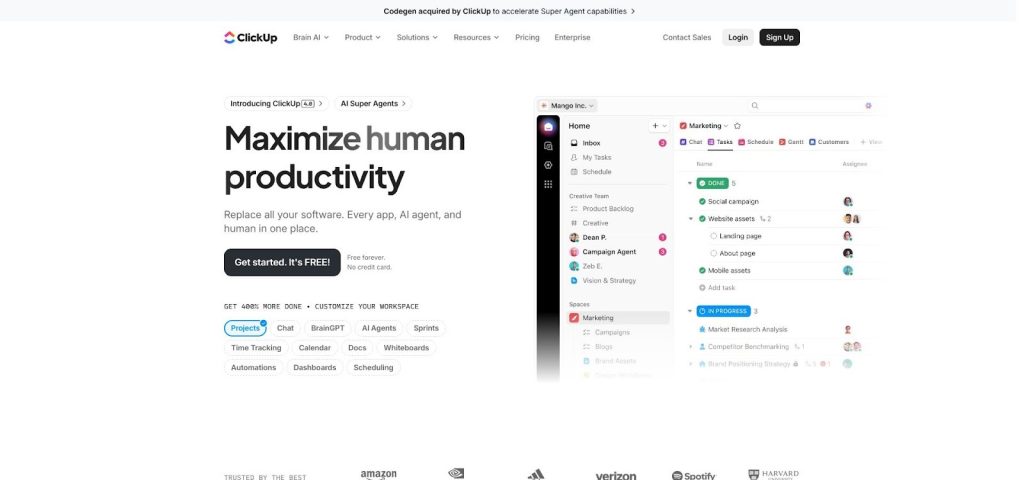
ClickUp combines tasks, docs, whiteboards, chat, and sprints in one place. Turn modules off until you need them, then enable List, Board, Calendar, or Timeline views. Agile reports such as velocity, burndown, and workload charts flag scope creep early.
The Free Forever plan supports unlimited users and projects. The Unlimited tier starts at $7 per user and unlocks advanced permissions and larger automations.
Pro tip: Start with a template in “Simple” mode to avoid first-day overload, then reveal new features as the team gains confidence.
Zoho Projects: best for teams watching every dollar
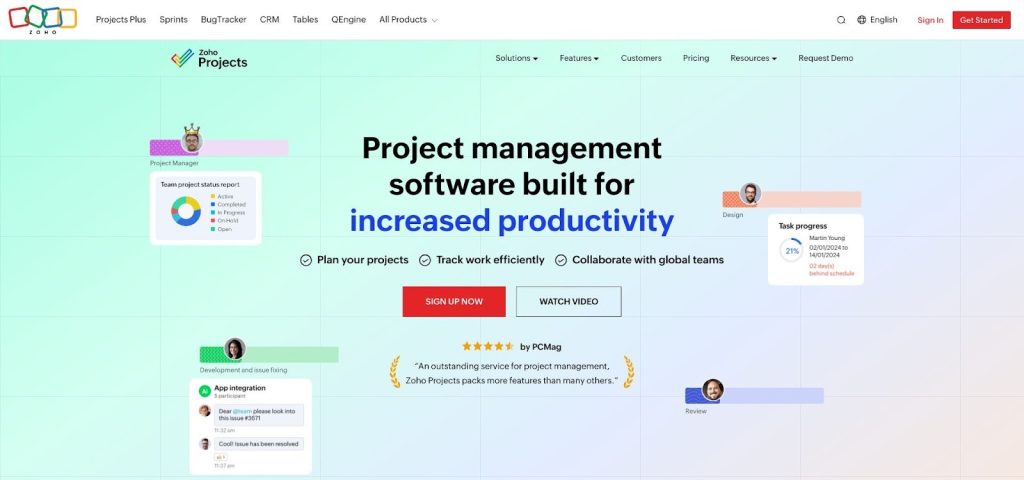
Starting a side hustle on a shoestring? The free tier covers three users and two projects. The Premium plan costs about $5 per user and unlocks unlimited projects, issue tracking, and 10 GB of storage. Kanban boards, Gantt charts, and recurring tasks support lightweight sprints; full scrum features arrive when you pair the tool with Zoho Sprints.
Pro tip: Filter tasks by “Overdue” and set that view as home so you start each morning with priorities already mapped.
Wrike: best for spreadsheet lovers who need extra project power
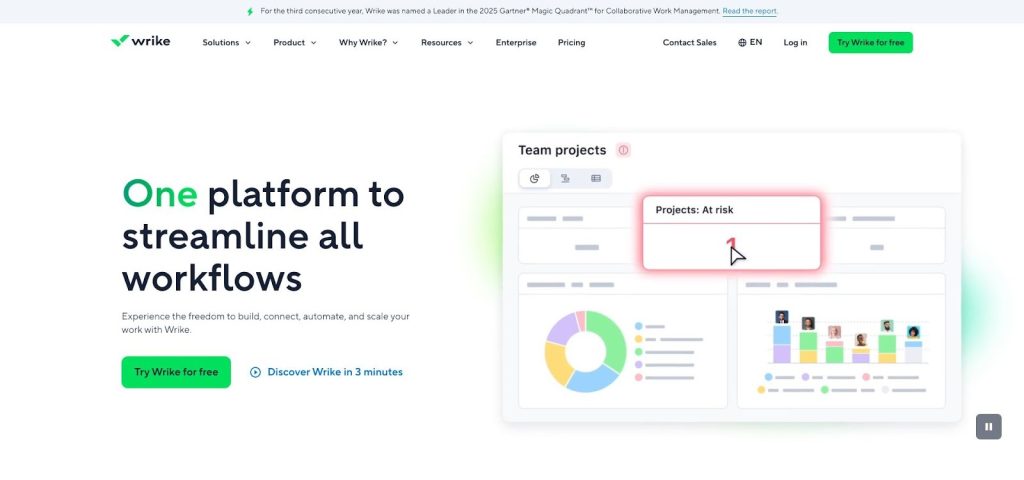
Wrike’s Table view feels like Excel; switch to Gantt and every row turns into a timeline. The Workload pane highlights who is overloaded next week. The free plan supports five users. The Team plan costs $10 per user when billed annually and adds interactive Gantt charts, request forms, and shareable dashboards.
Pro tip: Use request forms so marketing assets, IT tickets, or client change orders land in the backlog with every field already filled.
Asana: best all-purpose hub when your team juggles everything
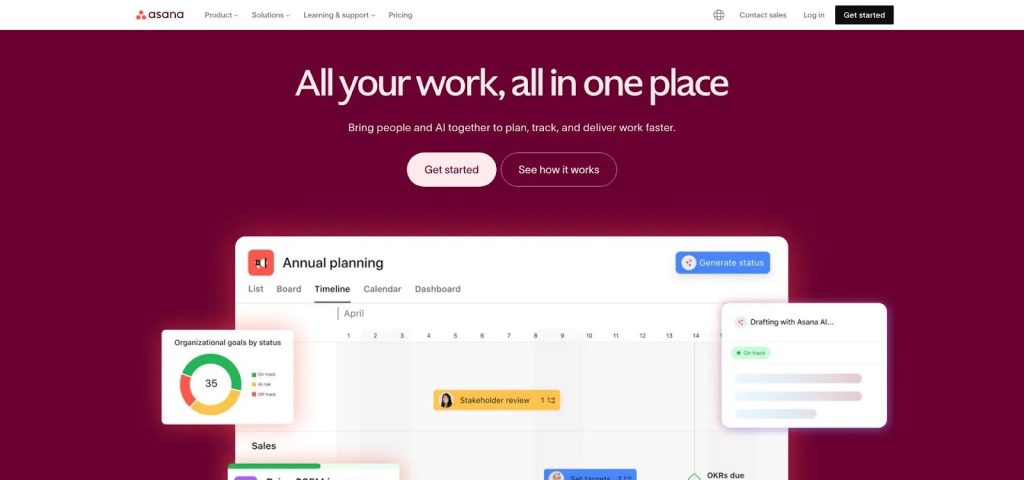
List, Kanban, or Timeline—Asana shows the same project in the view each role prefers. The Personal plan is free for up to 2 users with unlimited projects. The Starter tier costs $10.99 per user when billed annually and adds timeline view, dashboards, and unlimited automations.
Pro tip: Build a rule that moves tasks labeled “Ready for QA” to a dedicated board and pings testers right away.
Compare your options at a glance
Sometimes a quick grid beats a thousand words. Circle the rows that matter most to your team, then double-check each vendor’s pricing page before you commit.
Tool | Free tier | Entry price (annual, per user) | Core agile views | Stand-out feature | Learning curve |
TeamDynamics | Free trial (team size) | Custom | N/A (people analytics) | Team-behavior insights | Low |
Jira | 10 users | $7.90 | Scrum, Kanban, Roadmaps | Deep issue workflows | Medium |
Teamwork | 5 users / 5 projects | $10.99 | Kanban, Gantt | Built-in time tracking & invoicing | Medium |
Trello | Unlimited users / 10 boards | $5 | Kanban | Power-Up marketplace | Very low |
Monday.com | 2 users | $9 | Kanban, Timeline, Calendar | No-code automations | Moderate |
ClickUp | Unlimited users | $7 | Kanban, List, Timeline | Docs, chat, whiteboards in one place | Moderate |
Zoho Projects | 3 users / 2 projects | $5 | Kanban, Gantt | Tight Zoho-suite integration | Low |
Wrike | 5 users | $10 | Kanban, Gantt, Table | Spreadsheet-style Table view | Moderate |
Asana | 2 users | $10.99 | List, Kanban, Timeline | Rules-based automation | Low |
Run a one-sprint test drive
Create a small project—say, next week’s landing-page update—in two finalist tools. Give each a seven-day sprint and track four signals:
- Setup friction: How fast can everyone create and move a task without help?
- Visibility: Can the team spot blockers in under 30 seconds?
- Flow nudges: Do automations remove busywork or simply nag?
- Retrospective smiles: At sprint’s end, does the group want to keep the tool?
Log each score in a simple table, then pick the platform your least-technical teammate preferred. Adoption beats marginal feature gains every time.
Conclusion
Small teams don’t fail at agile because they lack ambition — they fail because the work system can’t keep up. When priorities shift midweek, the difference between “we’ll handle it” and “we’re drowning” is often a simple thing: can your tool surface what matters fast, and keep everyone aligned without extra meetings?
The nine tools in this list all meet the baseline for modern agile work: Kanban boards, collaboration in one window, and budget-friendly plans that stay under $12 per seat. The right choice comes down to how your team really operates:
- If shipping code is the core mission, Jira is still the standard.
- If you bill for work, Teamwork keeps time tracking tied to delivery.
- If you want the simplest possible Kanban, Trello is hard to beat.
- If you want one workspace for everything, ClickUp is the most flexible.
- If you want custom workflows and automation without coding, Monday.com shines.
- If the budget is tight, Zoho Projects gives you the most for the least.
- If your team thinks in spreadsheets, Wrike feels familiar fast.
- If you need a clean hub for cross-functional work, Asana is a safe all-rounder.
- If the real bottleneck is team dynamics, not tooling, TeamDynamics gives you a people-side advantage you can layer on top of any platform.
Before you commit, run the method that saves teams from months of “tool regret”:
pick two finalists → pilot them for one sprint → choose the one your least-technical teammate preferred.
Adoption beats marginal feature gains every time.
FAQ
1) What’s the best project management software for small teams using agile?
It depends on what your team builds and how you work:
- Jira is best for software teams managing stories, bugs, and sprint metrics.
- ClickUp is best if you want tasks + docs + chat + reporting in one place.
- Trello is best for lightweight Kanban with almost zero setup.
- Asana is best for teams juggling multiple types of work (marketing, ops, product).
- Monday.com is best for custom workflows and automations.
If your biggest sprint blocker is communication and decision friction, TeamDynamics can help regardless of which tool you use.
2) Which tools have the best free plans for agile teams?
Several of these tools offer strong free tiers for small teams:
- ClickUp (unlimited users and projects)
- Trello (unlimited cards and members + 10 boards)
- Jira (up to 10 users, with agile reporting)
- Wrike (up to 5 users)
- Zoho Projects (3 users / 2 projects)
If you’re comparing free plans, watch for limits on automation actions, storage, guest access, and number of boards/projects.
3) Is Kanban enough, or do we need full Scrum features?
For many small teams, Kanban is enough to stay aligned:
- You get visibility, flow, and quick prioritization without much overhead.
Scrum features matter more if you rely on:
- story points
- sprint planning
- burndown charts
- velocity tracking
- structured retros
If that’s your reality, look closely at Jira, ClickUp, Asana, and Monday.com.
4) What’s the easiest agile tool for non-technical teams?
If you want quick adoption:
- Trello is the easiest Kanban tool to learn.
- Asana is also very approachable and works well for cross-functional teams.
- Zoho Projects is simple and budget-friendly.
The tradeoff is usually depth: simpler tools can require add-ons (or upgrades) for reporting and sprint metrics.
5) Which project management software is best for agencies and client work?
If you bill hours or manage client approvals:
- Teamwork is the best fit because it includes built-in time tracking, invoicing workflows, and client observer access.
Wrike can also work well if you need structured intake through request forms.
6) Which tool is best if we want automation without complexity?
If your team loves “if this, then that” style rules:
- Monday.com is the most automation-friendly with the lowest friction.
- Asana has clean rules and workflows for task handoffs.
- ClickUp offers automation too, but it can feel like a lot if you enable everything at once.
A good rule of thumb: start with two automations max in week one, then expand only when the team feels the benefit.
7) How do we choose between ClickUp, Monday.com, and Asana?
A simple way to decide:
- Choose ClickUp if you want one tool for tasks + docs + chat + whiteboards + reporting.
- Choose Monday.com if your workflow is unique and you want customizable boards and strong automations.
- Choose Asana if you want a clean, intuitive hub for mixed workstreams with less setup time.
If your team gets overwhelmed by feature density, Asana is usually the easiest long-term fit.
8) What’s the best tool under $12 per user per month?
All the paid entry plans listed here come in under $12 per seat (annual billing). The best-value picks typically include:
- ClickUp ($7)
- Zoho Projects (~$5)
- Trello (~$5)
- Jira (~$7.90)
- Wrike ($10)
- Asana ($10.99)
- Teamwork ($10.99)
The real cost difference comes from whether you need automation, dashboards, guest access, or advanced reporting, which may require higher tiers.
9) What should we test during a one-sprint pilot?
A seven-day sprint test works best when you score these four signals:
- Setup friction: How fast can everyone create and move tasks without help?
- Visibility: Can you spot blockers in under 30 seconds?
- Flow nudges: Do automations remove busywork or create noise?
- Retrospective smiles: Does the team want to keep using it after the sprint?
Pick the tool that your least-technical teammate likes most — because that’s the tool your team will actually adopt.