
Construction Project Management Tools Face-Off: How to Choose the Right Platform

Tight budgets and compressed schedules mean every site decision hits your bottom line. For more on core project-management fundamentals, see our guide to project management software essentials.Teams stuck in spreadsheets and email watch profit slip away. A 2025 Dodge Construction Network study found that 77 percent of firms with mature project-management software raised both productivity and margin.
If you’re choosing a platform, the options can overwhelm. In the pages ahead, we’ll compare the top tools side by side so you can pick software that fits today’s jobs and scales for tomorrow’s.
How we evaluated each platform

Our goal was to judge each tool the way you run a job: by facts, not hype. We started with frontline insight, interviewing superintendents, project accountants, and BIM managers to surface the workflows that make or break schedule and margin. That included looking at how integrated project controls software like InEight helps connect cost, schedule, and progress data into a single forecasting model. Their feedback shaped six test projects ranging from a custom home to a billion-dollar bridge, giving us a full spread of scope and complexity.
Next, we scored every platform across seven weighted factors:
- Feature depth (20%) – Does the software handle RFIs, change orders, and detailed cost codes out of the box?
- Financial control (25%) – Can you track estimate-to-actual in real time and catch cost drift early?
- Field collaboration (15%) – How well do mobile functions work when connectivity drops?
- Integrations (10%) – Does the tool link with accounting, ERP, and BIM systems without extra work?
- Scalability (10%) – Will performance hold when user counts or project values climb?
- Ease of adoption (10%) – Is the interface intuitive, training clear, and support responsive?
- Innovation pace (10%) – Are AI automations, 5D BIM links, and other new capabilities shipping regularly?
These weights mirror independent rubrics such as the Forbes Advisor scoring model, which assigns the largest share of points to core features and user value.
Finally, we added a field bonus: extra credit went to any platform that crews mastered in under an hour or that let executives pull a portfolio dashboard without IT help.
The outcome is a data-backed, hands-on comparison you can use to match each product’s real strengths to your own project bottlenecks, with no marketing fog and only practical insight.
InEight: project controls built for billion-dollar jobs
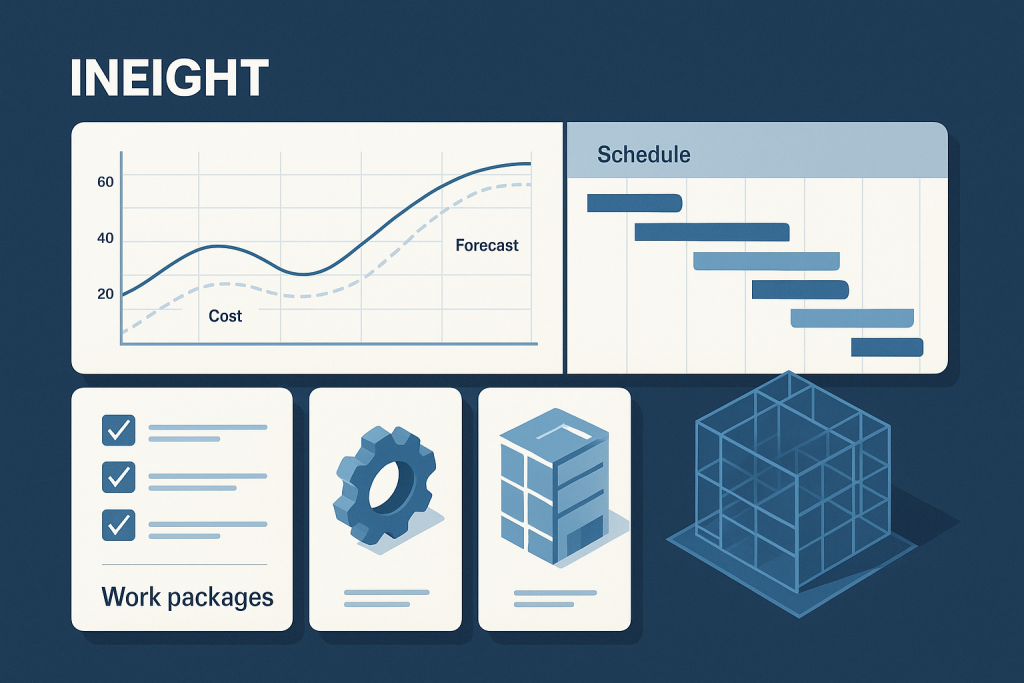
When schedules stretch for years and change orders land in six-figure chunks, simple task lists won’t cut it. InEight was built inside mega-project contractors, so it pairs earned value, work packages, and 5D BIM on the same screen. Adjust a Primavera P6 activity and the forecast ripples through budgets and risk registers; field engineers record progress on tablets, and cash-flow curves update instantly, so no one re-enters data.
That connected data model is why owners pick InEight for airports, highways, and process plants. Today, more than 575,000 users across 850 organizations manage over $1 trillion in capital projects on the platform. Every cost code, RFI, and model element links to the original baseline, keeping forecasts believable and claims defensible.
The trade-off is complexity. Smaller contractors might hesitate at the initial setup, but enterprises chasing nine- and ten-figure certainty find that the control InEight provides outweighs the learning curve. If accountability across scope, cost, and schedule is non-negotiable, InEight delivers the discipline high-stakes projects demand.
Oracle Aconex: document control you can take to court
On complex jobs, drawings, RFIs, and submittals can change hands thousands of times. Aconex project management online software corrals that sprawl into a tamper-proof chain of custody: every file is registered, time-stamped, and linked to its sender. If a dispute reaches arbitration, you can show exactly who saw what, and when.
According to Oracle, the platform now supports more than 6 million users managing over US$1 trillion in project value across 70 countries. Governments and public-private partnerships often write Aconex into contracts before the first pile is driven.
Process speed stays high. An internal mail system routes RFIs to the architect, the owner, and back again without anyone digging through inboxes. On Santiago’s Metro Line 3 and 6 expansion, Oracle reports that digital reviews on Aconex cut document turnaround time by 47 percent and reduced printing costs by 90 percent.
Scale is another strength: projects with tens of thousands of users and millions of documents stay responsive because each company works in its own workspace and shares only what the contract requires. That neutral design eases “host advantage” concerns common on joint ventures.
The trade-off is structure. Aconex enforces its workflow, and occasional users may grumble about the interface. Legal and compliance teams, however, sleep better knowing no one can bend the process to suit a single party.
Choose Aconex when project size, public oversight, or stakeholder mix demands forensic-grade documentation. It focuses less on day-to-day task management and more on safeguarding everyone when the project reaches its inevitable prove-it moment.
Kahua: the low-code platform that fits your process
Most software forces you to follow its playbook. Kahua flips that script. The platform ships with construction staples such as RFIs, budgets, and field reports, yet its real strength is a low-code builder that lets you reshape forms, clone workflows, or launch new apps without waiting for vendor releases.
Owners gravitate to that freedom. Need an approval path that matches bond covenants? Drag, drop, publish. Running a national program with local regulations? Spin up project templates for each region, then roll the data into a single dashboard for executives.
Collaboration runs just as deep. Each company has its own workspace yet shares transactions across a secure network, so an architect answers an RFI once and the contractor and owner both see it, while still keeping private notes. The structure preserves data ownership and reduces finger-pointing.
Flexibility does demand planning. Someone must map the workflow first, and for a small firm that step can feel heavy. At scale, though, Kahua reports that it already manages more than 400,000 projects representing over $100 billion in capital programs, so shaping the software around the business, not vice versa, is worth the upfront effort.
If your workflows are your competitive edge, Kahua turns “we’ve always done it this way” from a blocker into a blueprint. The payoff follows that initial setup time.
Procore: the one-stop hub for commercial contractors
Ask a superintendent which app lives on their phone and you’ll likely hear Procore. The company says the platform has logged more than three million projects across 150-plus countries, so field and office teams start day one on the same playbook: drawings, RFIs, budgets, safety forms, and daily logs under one login.
Usability is Procore’s standout trait. Crews snap photos, log weather, or close punch items in seconds, even on patchy cell service. Back at the trailer, those updates flow straight into cost reports and two-week look-ahead schedules without manual hand-offs, driving steady adoption across trade partners.
At Groundbreak 2024 the company launched Procore AI—Agents, Insights, and Copilot—to automate submittal registers, flag schedule risk, and pull answers from thousand-page spec books in plain language. Early users report hours saved each week searching for information.
Cost is the main hesitation. Procore licenses by annual project volume rather than per user, so small firms can feel sticker shock. For mid-sized and large GCs, though, unlimited seats mean everyone—from apprentices to owners—gets real-time data with no extra fees, a trade many accept once rework drops and billing cycles tighten.
If you need a single source of truth that scales from a $10 million school to a $1 billion tower, Procore deserves a permanent spot on your shortlist.
Autodesk Construction Cloud: where design meets the jobsite
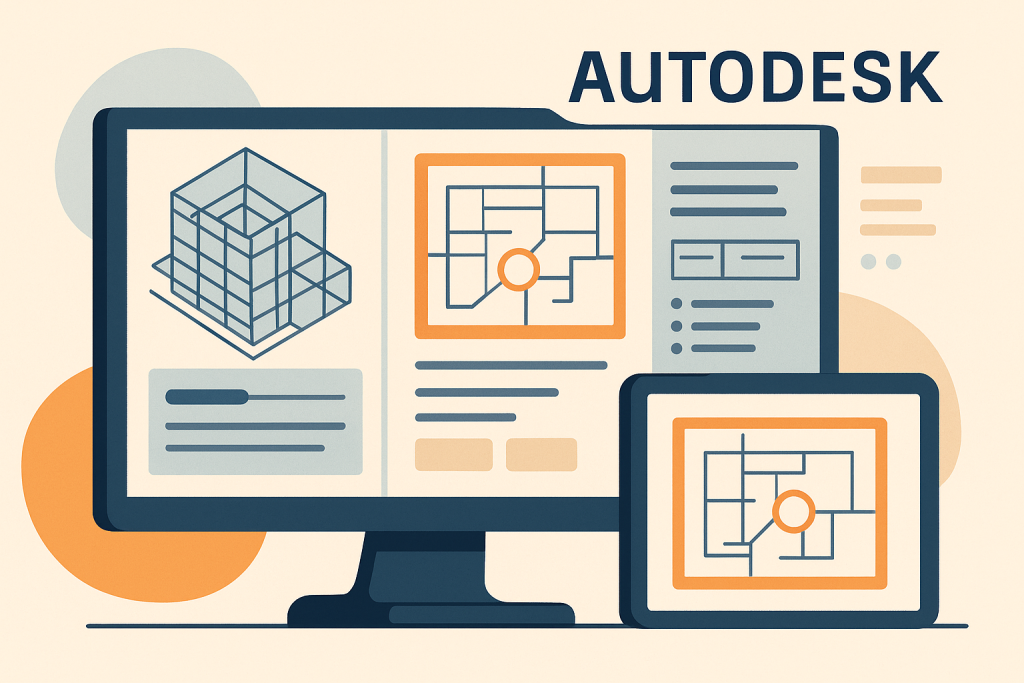
Most online platforms tack a model viewer onto project management. Autodesk reverses the order. Because the same company builds AutoCAD, Revit, and Navisworks, Autodesk Build starts with design DNA and layers jobsite workflows on top.
Publish a Revit model to the cloud, and crews can spin, measure, and overlay it against the latest shop drawings on an iPad. Clash issues turn into trackable tasks that flow into submittals and daily reports without exporting a file, keeping design intent intact and reducing rework.
Document control borrows the best of PlanGrid: bulk sheet upload, auto-hyperlinking, and real-time markups, all with offline access so remote crews always pour from the current set. The modular suite—Build, Takeoff, and Cost—lets you add estimating or cost control only when you need it.
Autodesk reports that nearly two million projects worldwide use PlanGrid technology, and the company’s builders network now tops one million users. Firms already committed to Autodesk design tools feel the biggest payoff because data flows with zero translation.
The interface can feel model-heavy for teams without a BIM culture, but if coordination among architects, engineers, and builders is your pain point, Autodesk Construction Cloud provides the common data environment the industry has been chasing.
Buildertrend (with CoConstruct): the client-friendly platform for home builders
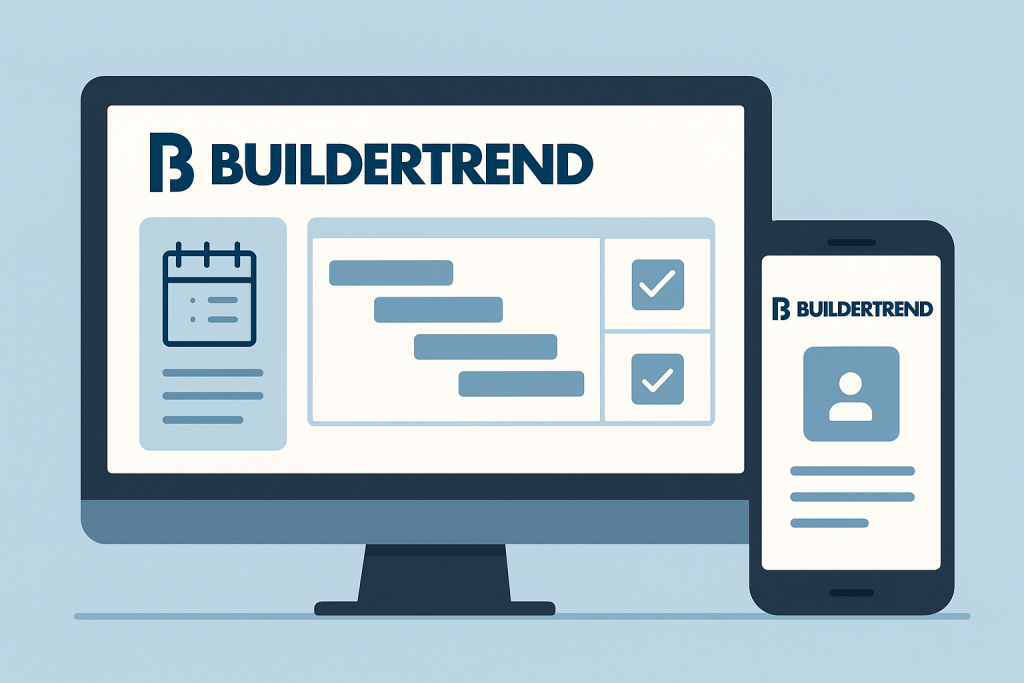
Custom builders juggle dozens of subs, endless selections, and homeowners who text at midnight. Buildertrend turns that clutter into a single feed everyone can follow. Open the dashboard and you’ll see schedule, budget, and client messages side by side. Homeowners approve cabinet finishes in the portal, and the allowance ledger updates instantly, so no one is surprised by a change order.
Money stays visible. Estimating flows into contracts, then into real-time cost tracking and QuickBooks sync. By the time drywall goes up, you already know whether the project is gaining or bleeding margin.
Buildertrend states that, since acquiring CoConstruct, its network has grown to more than one million users across 100-plus countries, powering over two million projects. That scale fuels frequent feature releases and a support team fluent in residential needs.
Pricing stays SMB-friendly. You pay per active project with unlimited users, so every trade can log in without extra math. You won’t find industrial earned-value charts here, but if your work revolves around homeowners, selections, and punch lists, Buildertrend offers a single view that keeps both the build and the relationship on track.
Fieldwire: the pocket-sized superintendent for every trade
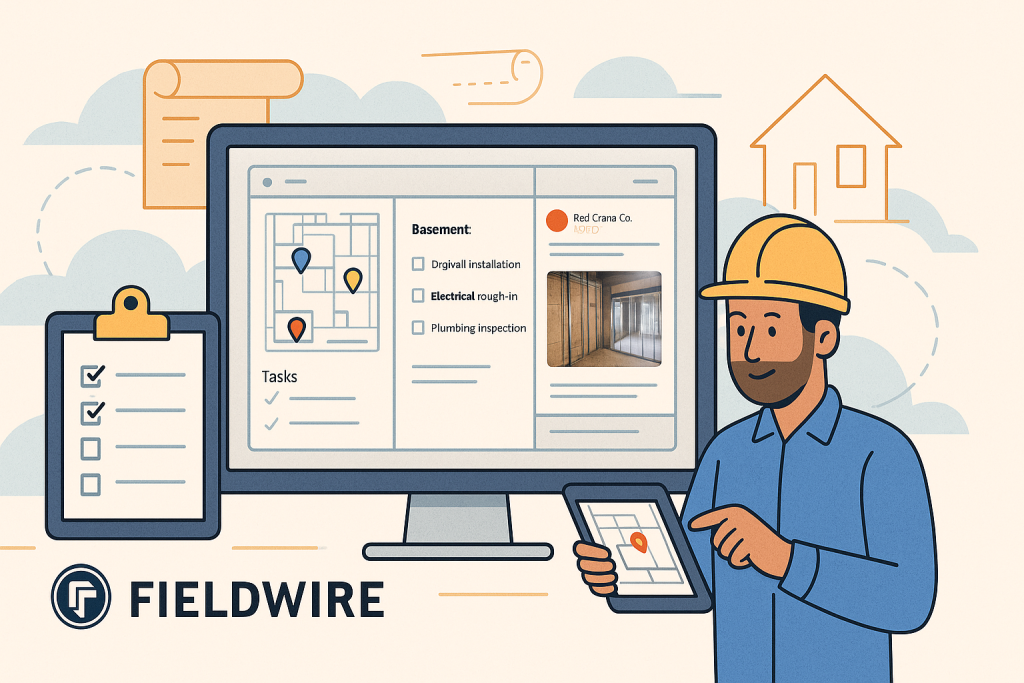
If Procore is the command center, Fieldwire is the radio clipped to your belt. Crews open the app, pull up the latest plans, drop a pin where work is needed, and share photos in seconds; tasks live on the sheet itself, so no one wastes time decoding spreadsheets or hunting for room numbers. Swipe between drawings, punch lists, and checklists even in a concrete basement—offline mode keeps everything working until signal returns.
Scale is proven. Hilti bought Fieldwire for $300 million in 2021, when it had already powered work on more than one million projects. Users added 630,000 new active projects in 2024 alone, confirming steady growth.
You won’t find heavy financials or formal submittal workflows here. Fieldwire excels at answering “who, what, where, and when.” Many GCs pair it with a broader PM suite or sync it to Procore through the native integration. If field coordination and punch-list closure slow you down, adding Fieldwire delivers quick gains.
UDA ConstructionOnline: full-service control without the enterprise price
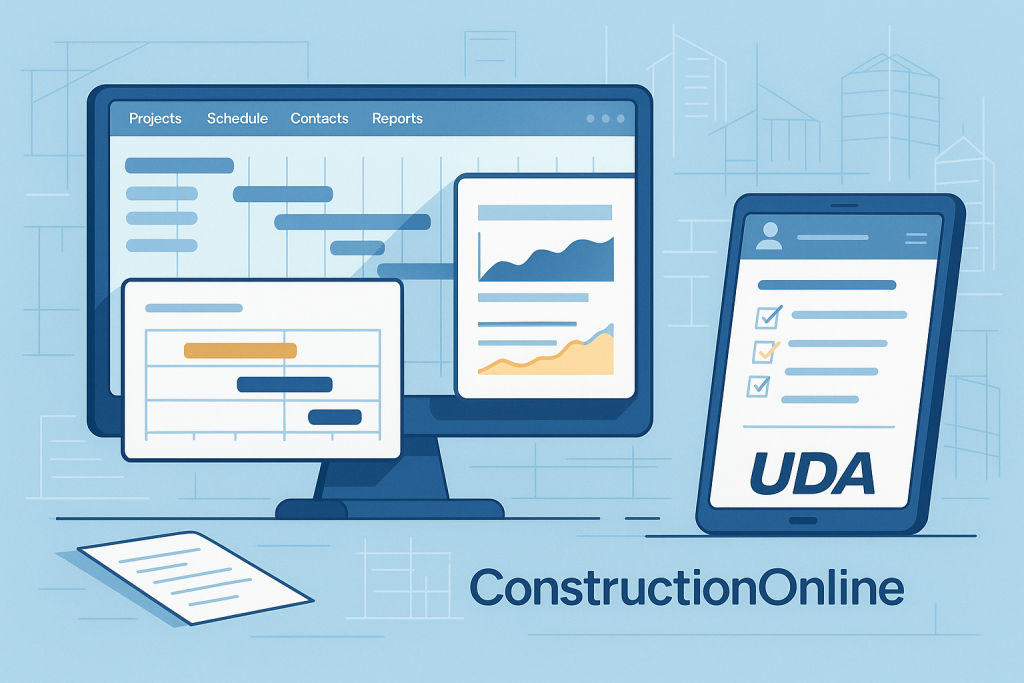
Small and mid-size contractors often hit a ceiling: spreadsheets buckle, but big-ticket suites feel excessive. ConstructionOnline fills that gap by bundling scheduling, cost tracking, and client portals in one affordable cloud.
Start a job by building an estimate in the same workspace that holds the schedule. Convert winning bids to budgets, then watch actual costs flow from daily logs and change orders. One dashboard flags profit fade long before the bank account tells the story. Contracts, lien waivers, and RFIs all sit in the same library, and subcontractors log punch items through TeamLink while owners review progress in ClientLink, so no extra software is required.
According to UDA, more than 950,000 users manage about $85 billion in construction each day on ConstructionOnline. That scale funds a steady stream of updates, like a BIM viewer and expanded financial dashboards—features rare at this price point.
The interface feels familiar to anyone comfortable with Microsoft Office, so crews ramp quickly. Deep resource leveling or multi-currency ledgers aren’t on the menu, but for GCs running projects up to the mid-eight-figure range, ConstructionOnline delivers enterprise breadth without enterprise headache.
Contractor Foreman: all-in-one power on a starter budget
When every dollar counts, paying per seat is a non-starter. Contractor Foreman flips the model with a flat fee that starts at $49 per month for one user and tops out at $249 for unlimited users and projects. That pricing ends the “who gets a license?” debate and puts field crews, bookkeepers, and owners in the same digital room.
Despite the bargain tag, the toolkit runs deep. Build estimates, convert them to schedules, track timecards, and send AIA-style invoices without leaving the app. Safety meetings, toolbox talks, and incident logs ride along, so compliance lives beside production, not in a dusty binder. A two-way QuickBooks Online sync pushes pay apps to the general ledger in minutes and removes double entry.
Polish lags pricier suites, and heavy scheduling—think resource leveling or hundreds of dependencies—can stretch its limits. For a roofing contractor or remodeler chasing order, though, unlimited seats mean every foreman logs daily reports, giving you job health in real time instead of at month-end.
If your tech budget is thin but your ambition is not, Contractor Foreman proves you do not need venture backing to ditch spreadsheet chaos.
Knowify: job-costing radar for specialty contractors
Profit on a trade contract lives in the gap between estimated and actual hours. Knowify narrows that gap by linking every timesheet, purchase, and subcontract bill to the original estimate the moment the cost hits the ledger.
Set up a project, break it into phases—demo, rough-in, finish—and let techs clock time in the mobile app. As invoices sync from QuickBooks Online, Knowify’s variance dashboard lights up in real time, flagging drift long before the final invoice. You can renegotiate or issue a change order while crews are still on site.
Estimating follows the same discipline. Build labor-and-material assemblies once, drag them into a proposal, and Knowify produces a polished quote plus the internal budget that feeds the cost engine. When the client signs, the work breakdown, cost codes, and billing schedule are already in place.
Task boards and simple calendars keep crews focused on the next work order. No critical-path gymnastics here. Knowify targets contractors juggling dozens of service or small-to-mid projects, not a single megabuild.
The approach resonates. The platform holds a 4.5/5 rating from more than 100 verified reviews on Capterra and starts at $99 per month for the Core plan. If your company self-performs labor, Knowify’s continuous feedback loop protects tight margins without the overhead of a full PM suite.
Other notable mentions: tools worth a test-drive
- Buildern: A fresh, all-in-one platform with a mobile-first feel. Forbes Advisor named it “best for most construction projects” in 2025, citing its modern UI, sub-$100 monthly pricing, and fit for small teams.
- INGENIOUS.BUILD: Targets developers and design-build teams with a shared contract record that follows a project from concept to turnover. Early users manage portfolios totaling $12 billion in value.
- RedTeam: Mid-market GC suite focused on cost control and contracts; the free Fieldlens by RedTeam app keeps daily reports flowing from supers who dislike long logins.
- CMiC: An ERP heavyweight that unites accounting and project data in one Oracle database. Implementation is intense, but Fortune 400 contractors rely on it for enterprise control.
- eSUB: Built for subcontractors who need bullet-proof documentation more than dashboards. Every field note or RFI is date-, time-, and crew-stamped to stop back-charge disputes.
- Point solutions: Pair a core PM suite with specialists such as Bluebeam Revu for plan markups, PlanSwift for rapid takeoffs, or a task board like Asana on micro jobs.
Consider these options when a unique workflow or tight budget pops up. You can slot one of these tools into play without bloating your core system.
Conclusion
Choosing the right construction project management platform is ultimately less about chasing features and more about aligning technology with how your teams actually build. The tools compared here—from enterprise controls like InEight and Aconex to SMB-friendly suites like Contractor Foreman and Knowify—excel in different areas because the industry itself spans everything from billion-dollar megaprojects to fast-paced residential builds.
Start with your realities:
- Where are delays or overruns coming from?
- Which workflows matter most—financial control, field coordination, or documentation?
- What level of customization or AI automation will your team actually use?
- How quickly must crews adopt the tool?
Once you have those answers, match them to each platform’s strengths and trade-offs. When software reinforces your best practices—and removes the manual friction that drags margins down—you gain visibility, predictability, and the confidence to scale. The right platform won’t just store your project data; it will turn that data into a competitive advantage.
Frequently Asked Questions
1. What is the most important factor when selecting construction PM software?
The most critical factor is fit to workflow. A platform that aligns with how your teams estimate, schedule, collaborate, and track costs will outperform a feature-rich system that forces dramatic process change. Use pilot projects to validate real-world fit.
2. How much should construction software cost?
Pricing varies widely:
- Small contractors may pay $49–$300/month (Contractor Foreman, Buildertrend).
- Mid-size GCs typically spend $300–$2,000/month depending on project volume (Procore, ConstructionOnline).
- Enterprise suites can reach six figures annually (InEight, Aconex, CMiC).
The key is ROI: time saved, fewer change-order disputes, and tighter cost control often offset the subscription cost.
3. Do I need an all-in-one platform or multiple specialized tools?
Most companies start with a single core PM platform, then add point solutions for tasks like takeoff, plan markups, or field punch lists.
Choose all-in-one if you want simplicity and centralized reporting.
Choose point solutions + integrations if you have specialized workflows or trade-specific needs.
4. What features matter most for field teams?
- Offline access
- Fast photo and markup tools
- Mobile-friendly RFIs and daily logs
- Real-time sync to office systems
Platforms like Procore, Fieldwire, and Autodesk Build score strongest with field crews.
5. Which systems are best for financial control?
If cost forecasting and earned value are priorities, consider InEight, CMiC, or Kahua.
For SMB contractors needing strong job costing, Knowify and ConstructionOnline deliver excellent visibility with lower complexity.